15. ubuntu-rockchip Introduction
Ubuntu Rockchip is a community project that ports Ubuntu to Rockchip hardware, with the goal of providing a stable and fully functional environment. ubuntu-rockchip
1. Supported ArmSoM products
Continuously updated...
2. Supported kernel versions
- Linux version: 5.10.160 arm64
- Linux version: 6.1.43 arm64
3. Directory structure
- LICENSE: GNU, GPL General Public License
- README.md: Project description document
- build: Download from the Internet The source code of uboot, kernel, and rootfs downloaded by git clone is placed in this directory
- build.sh: script for compiling the entire image
- config: board-level configuration, kernel configuration file
- docker: docker-related
- images: storage of compiled firmware
- overlay: bsp customized operation, overlay
- packages: uboot-related information
- scripts: scripts for building the system, mainly downloading source code from the Internet and compiling and packaging it into a deb package, and packaging each component: uboot, kernel, rootfs into a complete firmware
4. Development environment construction
- Please use Ubuntu 22.04 and above servers, and then install the following software packages:
sudo apt-get install -y build-essential gcc-aarch64-linux-gnu bison \
qemu-user-static qemu-system-arm qemu-efi u-boot-tools binfmt-support \
debootstrap flex libssl-dev bc rsync kmod cpio xz-utils fakeroot parted \
udev dosfstools uuid-runtime git-lfs device-tree-compiler python2 python3 \
python-is-python3 fdisk bc debhelper python3-pyelftools python3-setuptools \
python3-distutils python3-pkg-resources swig libfdt-dev libpython3-dev
5. Compile the entire board-level firmware
- Pull the source code and compile:
git clone https://github.com/Joshua-Riek/ubuntu-rockchip
cd ubuntu-rockchip
sudo ./build.sh --board=armsom-sige7
- The compiled firmware is stored in the directory: armsom-build/images:
6. Recompile the complete firmware after modifying the kernel locally
- Delete the deb packages of linux-headers and linux-image:
cd ./armsom-build/build
sudo rm -rf linux-headers-5.10.160_5.10.160-1_arm64.deb
sudo rm -rf linux-image-5.10.160_5.10.160-1_arm64.deb
- Modify the kernel in the local kernel source code: armsom-build\build\linux-rockchip
- Recompile the complete firmware
sudo ./build.sh --board=armsom-sige7
7. Burning firmware
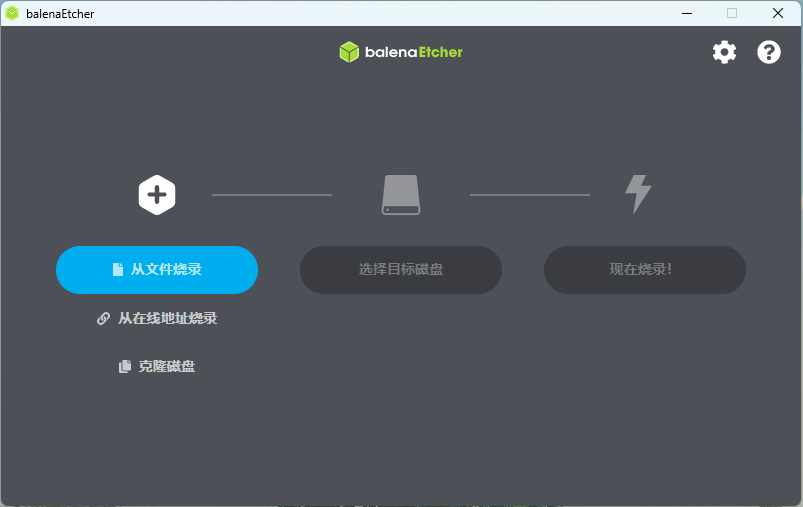
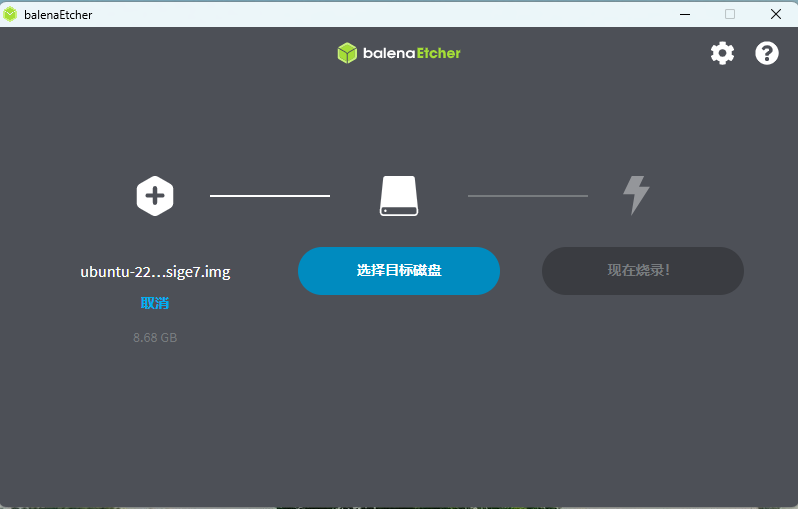
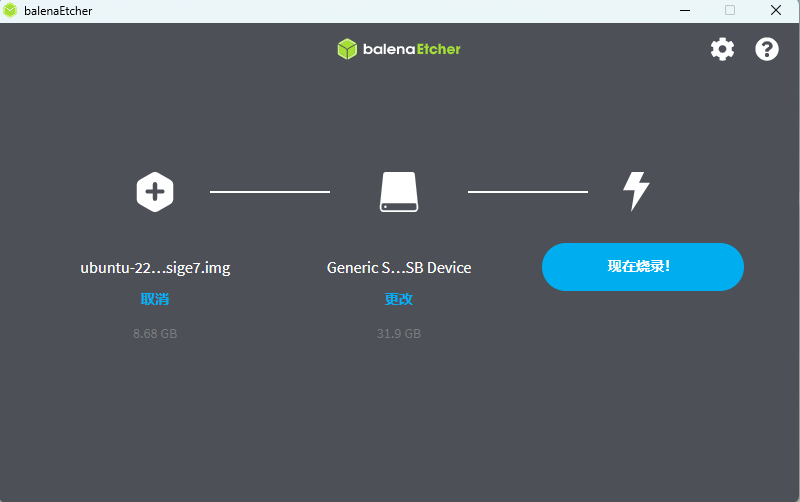
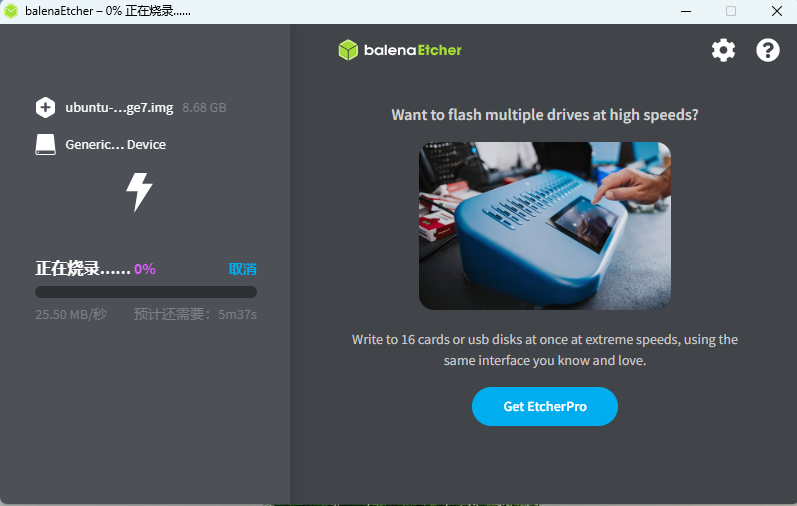
This method is applicable to Windows, MacOS, and Linux x64 operating systems Download balenaEtcher from balena official website and select the specified host system to download.
- Insert the MicroSD Card to be burned into the MicroSD Card reader.
Insert image description here
Insert image description here
Insert image description here
Insert image description here
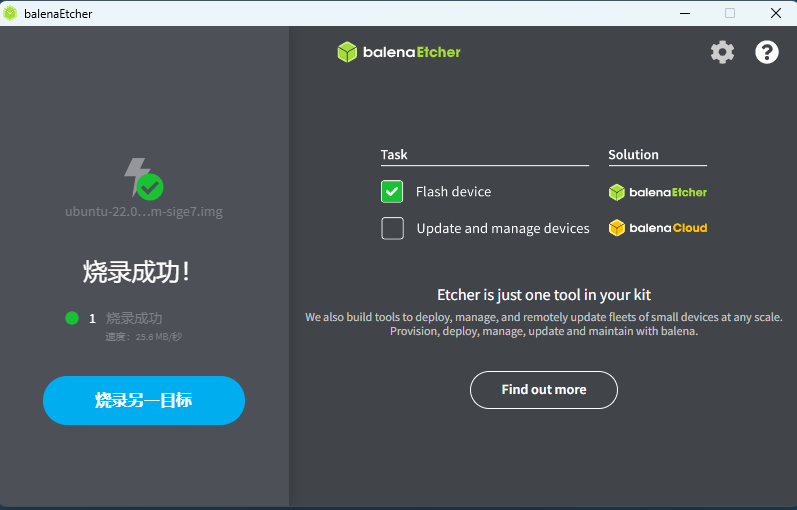
Insert image description here
8. Desktop Preview
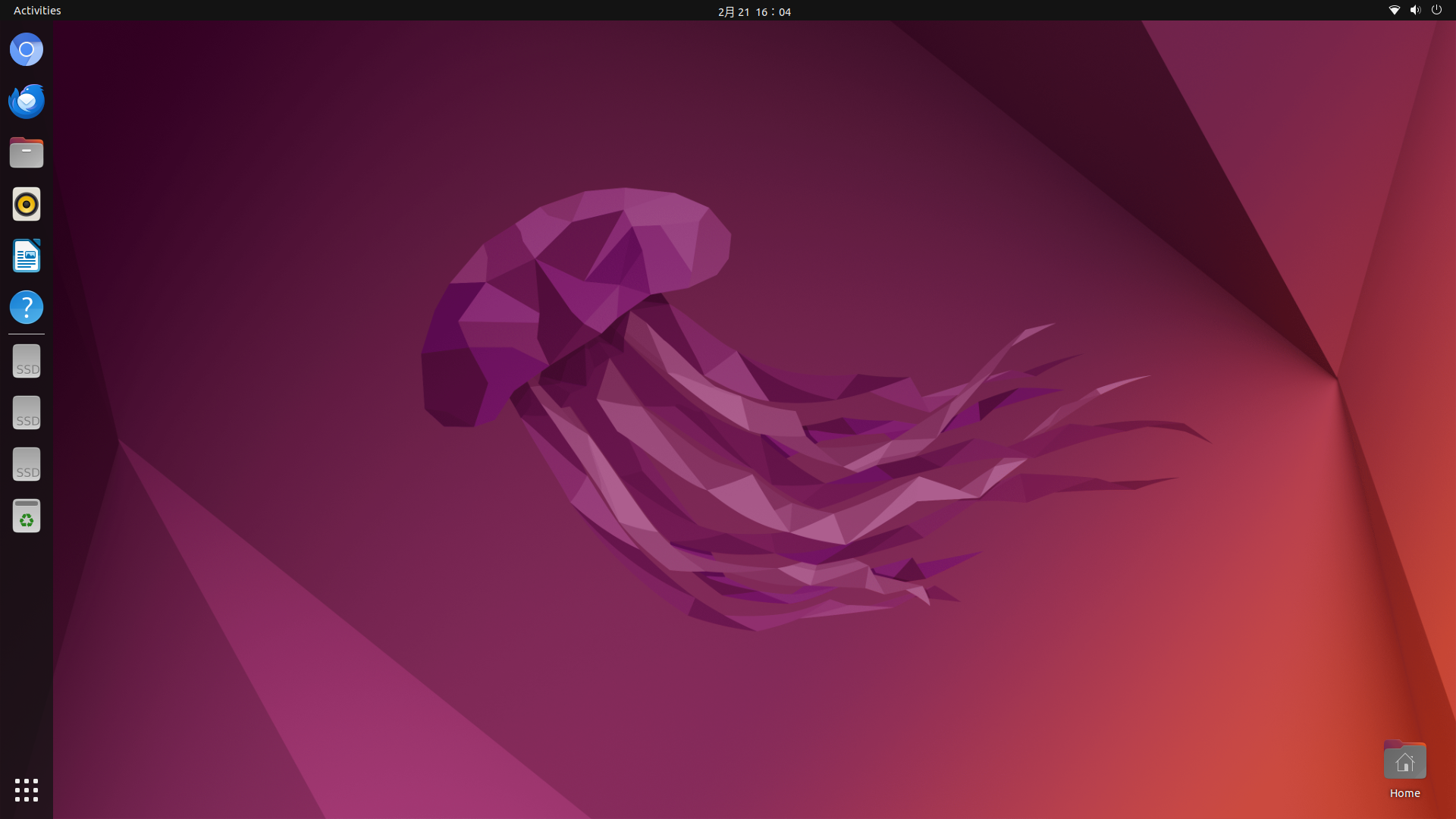
Insert image description here